
Published: March 2026 | By: IPTVGoldOne Team
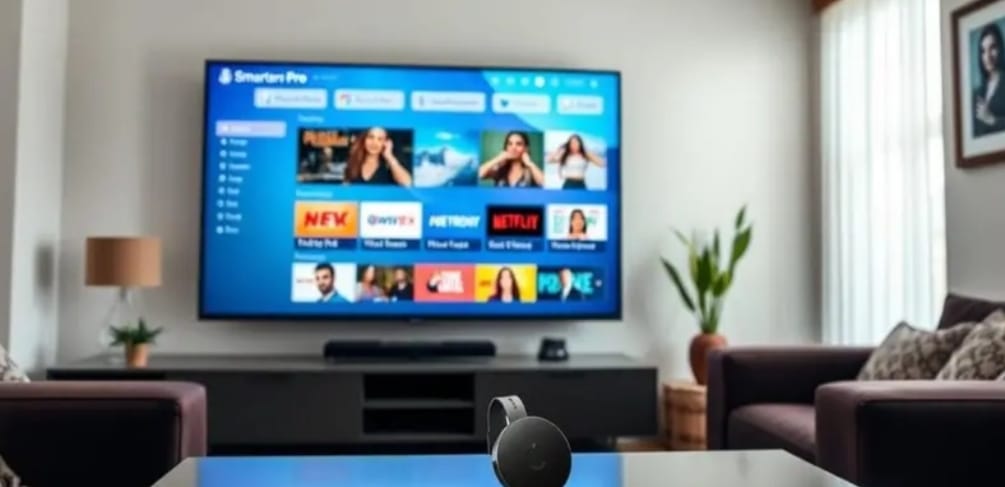
Streaming live TV on your television using Chromecast is simple and affordable. In this guide, we explain how to install IPTV Smarters Pro on Chromecast quickly and safely. This method works for both Chromecast with Google TV and regular Chromecast devices.
What Is IPTV Smarters Pro?
IPTV Smarters Pro is a popular IPTV player that allows users to stream live TV, movies, and series using IPTV credentials from their service provider.
- Live TV streaming
- Movies & Series (VOD)
- Catch-up TV
- EPG (TV Guide)
- Multiple account support
Method 1: Install on Chromecast with Google TV
Step 1: Turn On Your Device
Connect Chromecast with Google TV to Wi-Fi.
Step 2: Open Google Play Store
From the home screen, open the Play Store.
Step 3: Search for IPTV Smarters Pro
Type “IPTV Smarters Pro” in the search bar and select the official app.
Step 4: Install the App
Click Install and wait for the download to complete.
Step 5: Login
Enter your IPTV provider credentials:
- Username
- Password
- Server URL (Xtream Codes API)
Click Add User and start streaming.
Method 2: Cast from Android or iPhone
Step 1: Install App on Your Phone
Download IPTV Smarters Pro from Google Play Store (Android) or App Store (iOS).
Step 2: Connect to Same Wi-Fi
Your phone and Chromecast must be connected to the same Wi-Fi network.
Step 3: Cast to TV
Open the app, tap the Cast icon, and select your Chromecast device. Your TV will mirror the content.
Common Problems & Fixes
App Not Casting?
- Restart Chromecast
- Restart Router
- Update IPTV Smarters Pro
- Check Wi-Fi connection
Buffering Issues?
Buffering may be caused by slow internet speed or weak Wi-Fi signal.
Recommended Internet Speed
| Quality | Speed Required |
|---|---|
| SD | 10 Mbps |
| HD | 20 Mbps |
| 4K | 35+ Mbps |
Is IPTV Smarters Pro Legal?
The app itself is legal because it is only a media player. However, legality depends on your IPTV service provider and your country’s copyright laws.
Final Thoughts
Installing IPTV Smarters Pro on Chromecast is quick and beginner-friendly. Whether you use Chromecast with Google TV or a regular version, you can start watching IPTV in minutes.
If you are looking for a reliable IPTV subscription compatible with IPTV Smarters Pro, make sure your provider supports Xtream Codes API and M3U playlist format.